Building Ulysses Mcp From Frustration To A Smarter Writing Workflow
Building Ulysses-MCP - From Frustration to a Smarter Writing Workflow
For the past 20+ years, I’ve lived and breathed technical writing — documentation, reports, manuals, policies, and all the structured, methodical writing that comes with a life in security engineering. But recently, I wanted to see if I could do something different — something creative. So, I decided to write my first fantasy novel.
That’s when I discovered that writing creatively brings its own set of technical frustrations.
The Search for the Right Writing App
Like any good techy, I started by defining my acceptance criteria and then testing tools to see what fit best.
Acceptance criteria
- can edit same story from laptop and ipad with similar workflow and experiance
- can sync without a third party service
- supports editing workflows
- supports tagging and organizational tools
- supports LLM via built in tools or MCP server
At first this seemed like an easy answer. Just use Google Docs and treat this like a long form project from work. It already meets all of my acceptence criteria, right? I even ended up writing the first half of the book in Google Docs, mostly because it was familiar and accessible from anywhere. But when it came time to edit and reorganize scenes, the experience quickly became painful.
So began my googling odyssey through writing software:
- Tried Scrivener — powerful, but the only supported way to sync is via dropbox.
- Moved to Obsidian — great for notes, mindmaping, and searching, but not ideal for mobile writing.
- Then VS Code — did everything I wanted except easy syncing to my ipad.
- Finally landed on Ulysses, and it met all my criteria except LLM support.
Ulysses offered a simple writing workflow and feature set that I liked and that worked across my iPad, phone, and computer seamlessly. Big props to the Ulysses team for building an environment that made creative writing easier for me. But it was not perfect…yet.
The Pain Point: Manual Tagging and Keywords
As much as I enjoyed writing in Ulysses, managing metadata (tags, keywords, etc.) quickly became tedious and took too many clicks to do at scale. It was fine when writing, but going back to review, revise, and catigorize across the novel took me forever the first time doing it manually.
When working on the novel, I often break things down into scenes or chapters. It let’s me ask for reviews and feedback in more target areas. Also, being able to tag them — by character, location, timeline, or theme — is crucial when revising or tracking consistency.
Doing that manually? Not fun.
That’s when I thought:
“Why not automate this with an MCP server and a local LLM?”
The Idea: Using an MCP Server to Automate Metadata
My vision was simple:
- Use an MCP server to connect a LLM like anthropic or openAI or a local LLM (like Ollama or LM Studio).
- Have the model analyze my writing, suggest keywords or tags for each chapter.
- After I review and approve them, automatically update those tags back into Ulysses so everything syncs across my devices.
One problem my making this dream a reality though…
Ulysses doesn’t have an MCP server.
The Challenge: Ulysses Has No Public API
I dove into Ulysses’ official documentation to see what integration options existed. Unfortunately, there’s no traditional API. Instead, Ulysses uses a local app-based integration model.
So, I reached out to Ulysses support, explained what I was building, and submitted a few feature requests.
To their credit, the Ulysses support team was fantastic — responsive, friendly, and genuinely interested in what I was trying to do. They suggested creating a local middleware app to handle communication between my MCP server and Ulysses.
The Solution: Ulysses-MCP
That’s when I started building ulysses-mcp.
The project evolved into a middleware layer that allows Ulysses to communicate with a local MCP server, enabling intelligent local analysis of my writing without sending anything to the cloud.
Now, I can ask questions like:
- “Which scenes does Character XYZ appear in?”
- “Where did I last mention the city of blahblah?”
- “Are there any inconsistent spellings of this character’s name?”
And my local LLM answers directly — privately, securely, and in near real time.
What It Looks Like
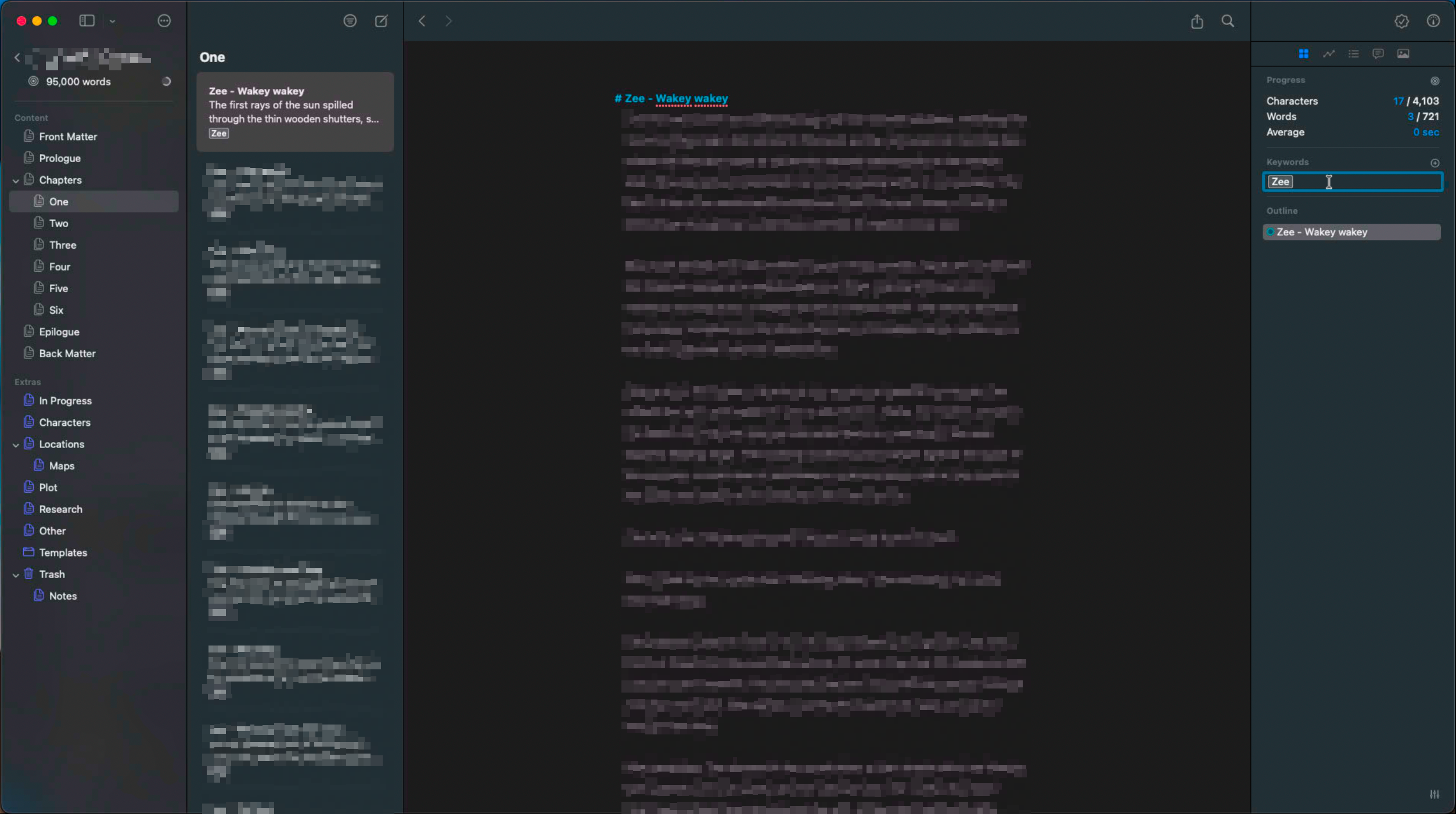
Ulysses manuscript view showing how chapters/scenes are structured with the Keywords section visible, helping visualize the tagging workflow
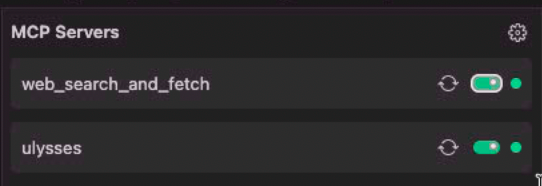
The ulysses-mcp server running locally, ready to process requests and interact with Ulysses
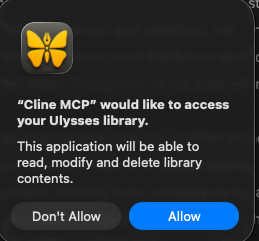
Authorization request dialog showing the MCP server requesting access to your Ulysses library
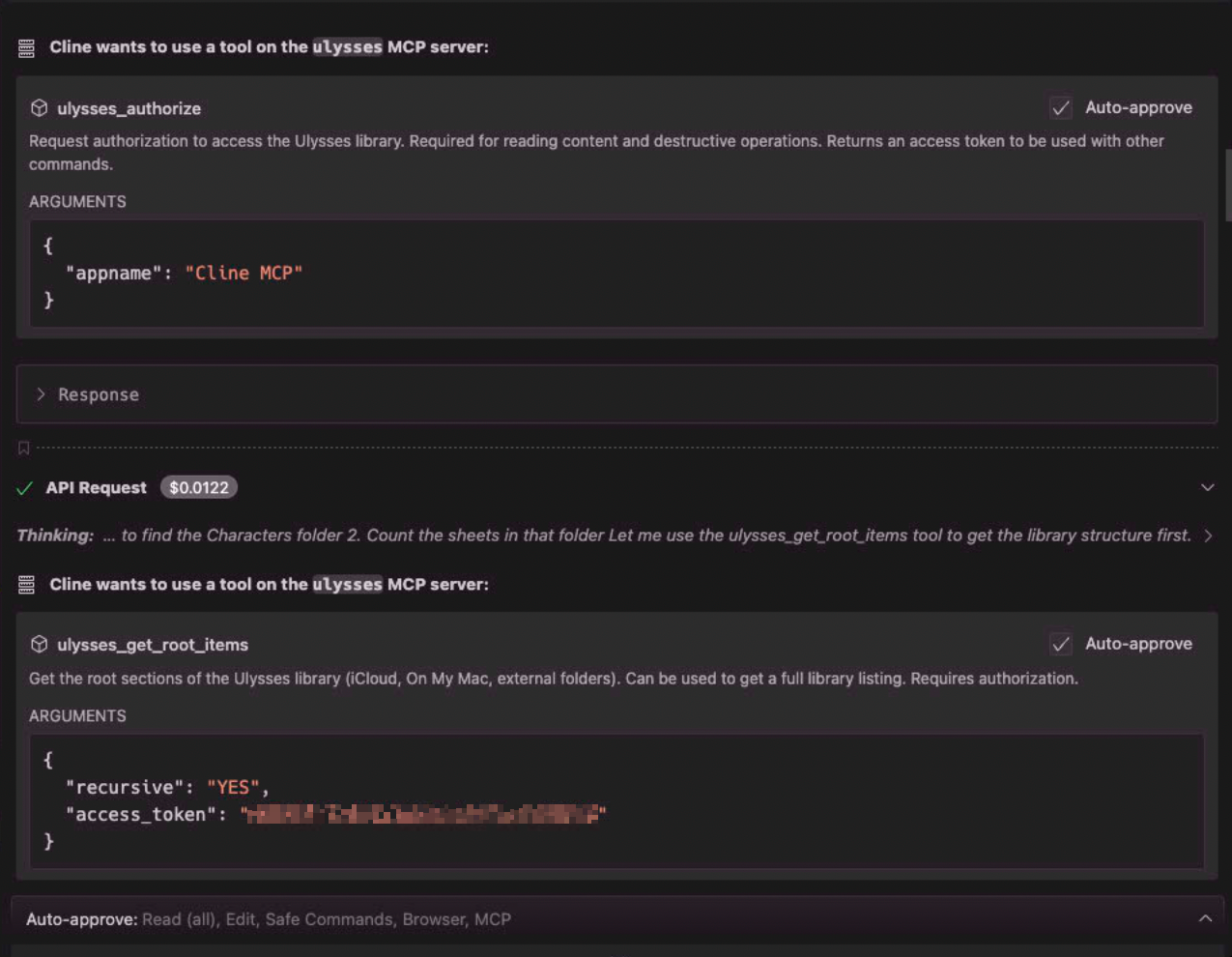
Authorization prompt when the MCP server needs access to query character information from your manuscript
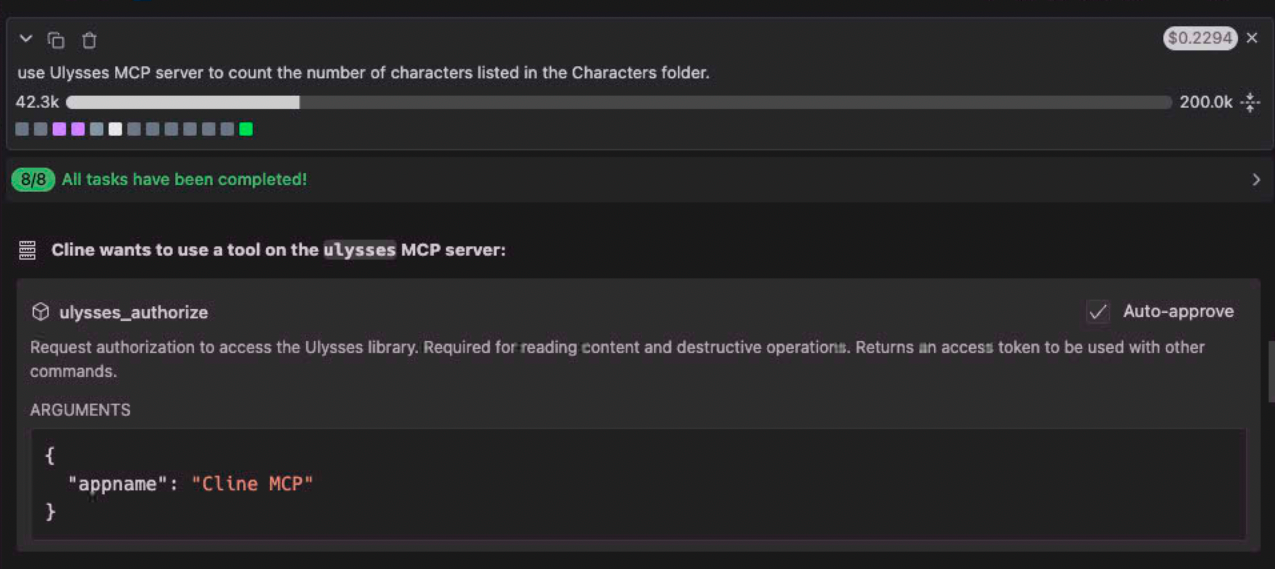
Example prompt asking the local LLM to analyze how many characters appear in the manuscript
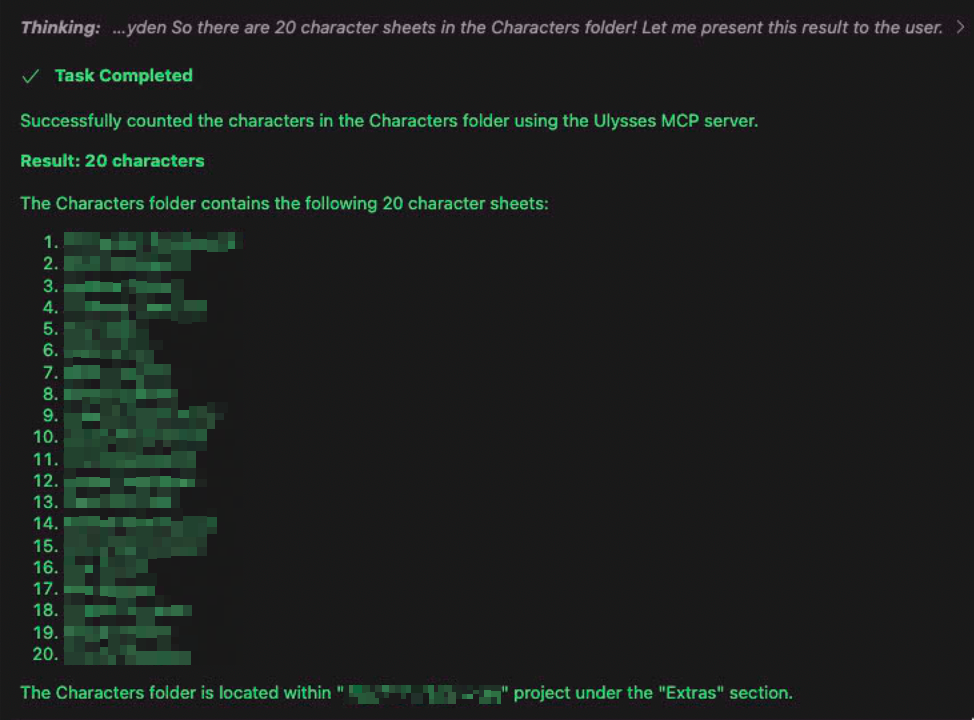
The LLM’s response showing detailed analysis of characters found throughout the manuscript

Requesting the MCP server to add keywords to specific chapters or scenes in Ulysses
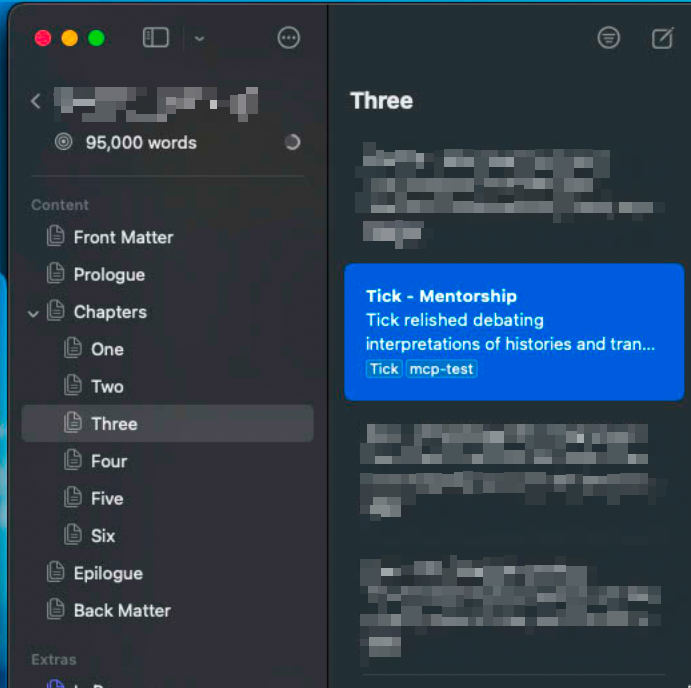
Confirmation that keywords have been successfully added to the novel through the MCP integration
The Result
The newest version of ulysses-mcp now:
- Builds the local middleware app required by Ulysses.
- Enables communication with a local MCP server.
- Keeps everything private and local — no data leaves your machine.
It’s been a game-changer for my writing workflow. I’ve caught scenes where I accidentally used the wrong character, spotted repeated phrases, and maintained better consistency across my novel — all while keeping my work offline.
What’s Next
I’m continuing to refine the project, add better metadata parsing, and explore deeper integrations. I’d also love to see Ulysses eventually support native MCP or local LLM features directly.
If you’re curious or want to contribute, check it out here:
👉 https://github.com/sonofagl1tch/ulysses-mcp
And if you’re like me — a technical style writer venturing into creative writing — maybe this project will make your journey a little smoother.
Because sometimes, the best way to fix your writing workflow… is to build your own tools.